Features

Report Generation

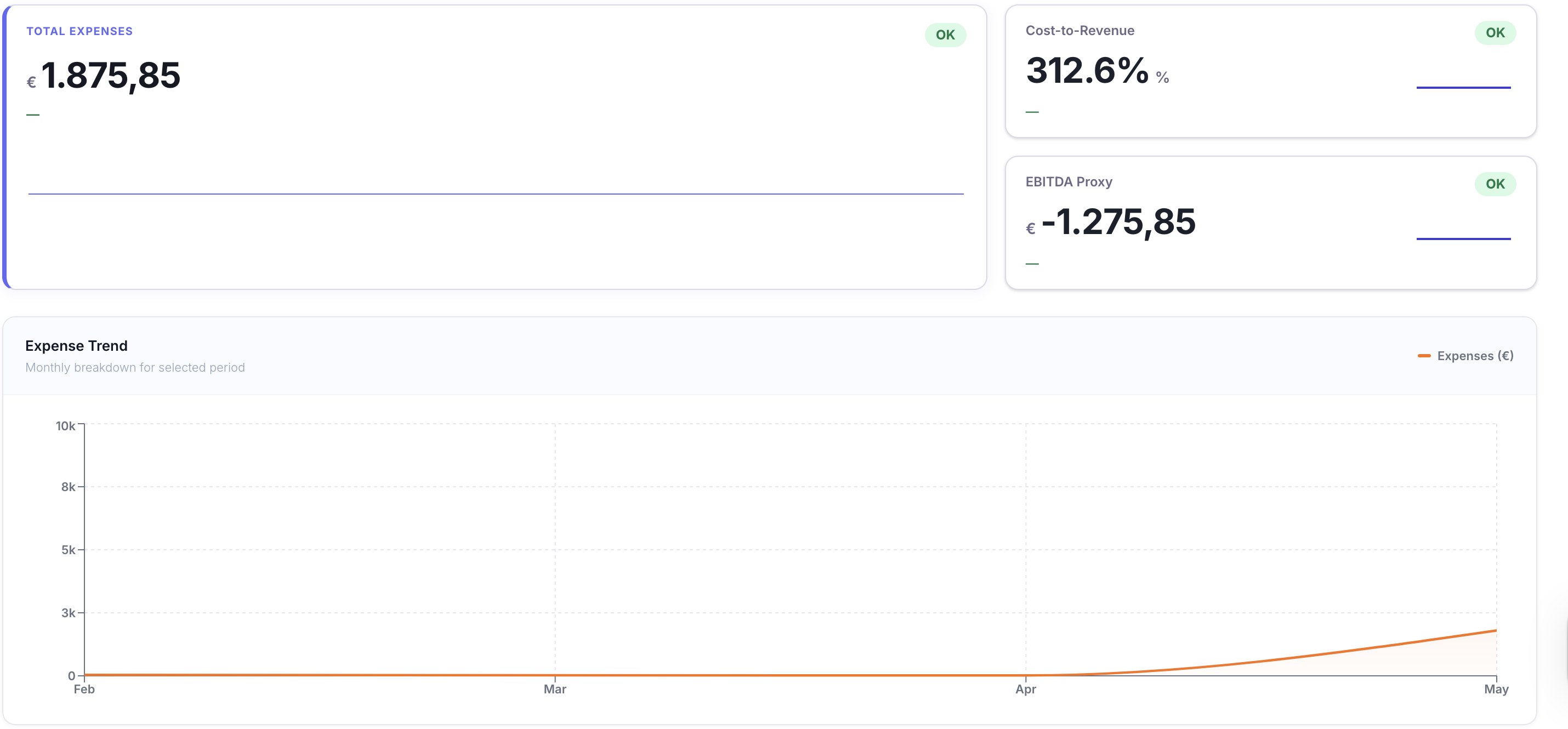
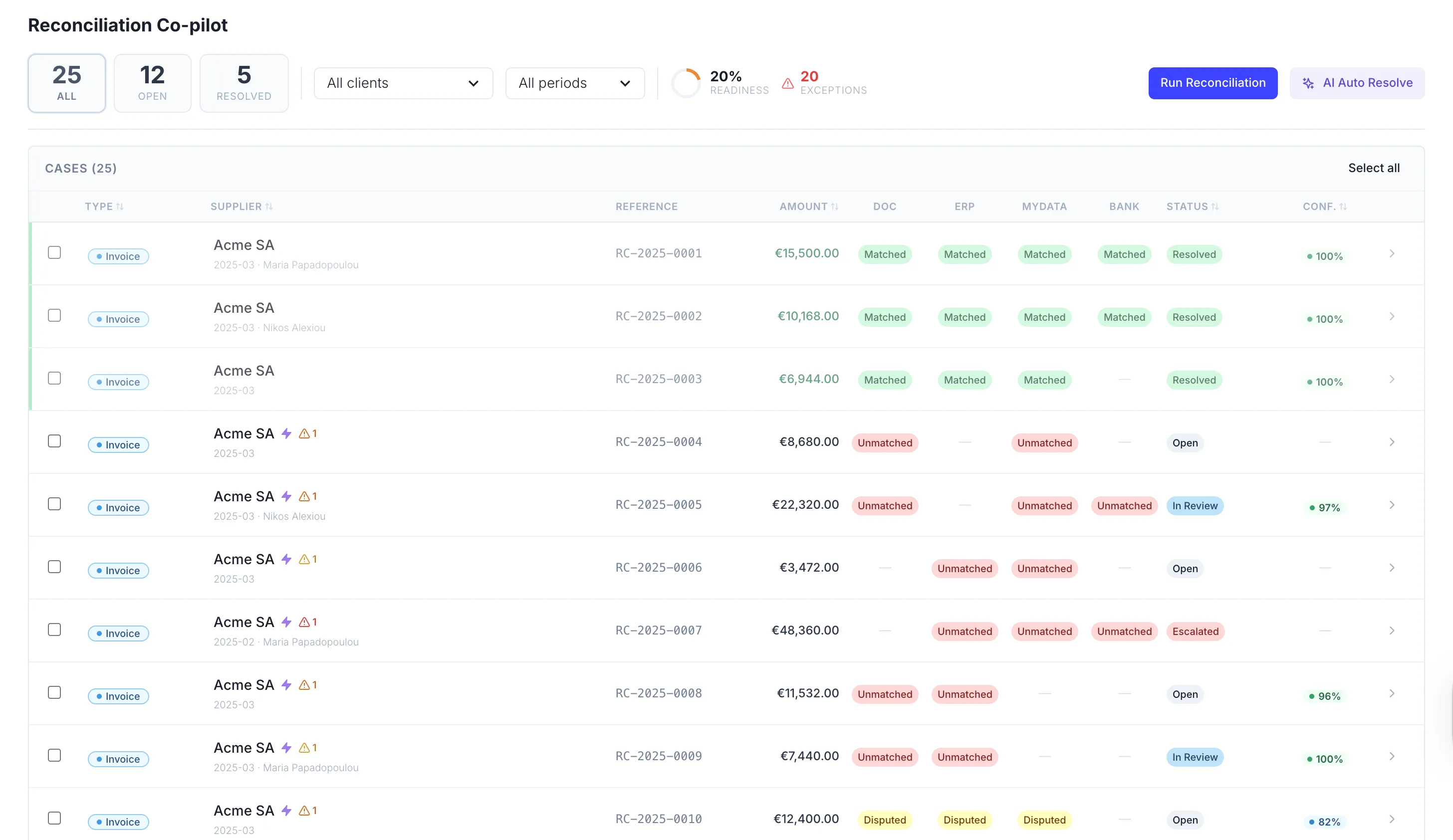
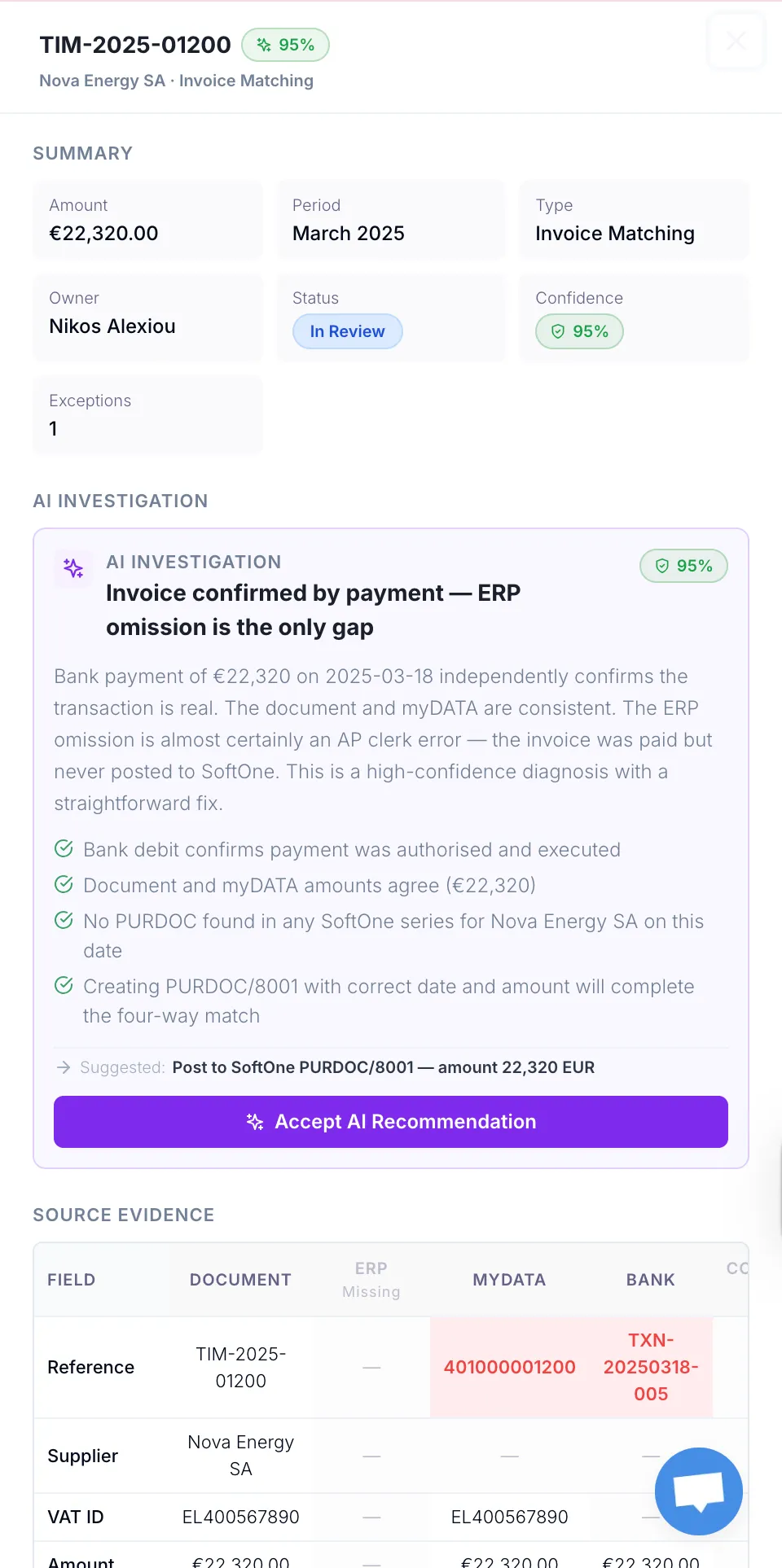
Generate financial reports directly from your myData records and reconciliation history — exportable, auditable, and ready to share with clients or stakeholders.

Report Generation — product view
Report Generation — detail view

Natural-Language Reports

Spin up a report from anywhere in TaxLayer — just by asking

Inside a single client’s workspace or building a portfolio-wide view, you’re always one prompt away from a finished report. Ask in plain language and TaxLayer assembles the numbers, the narrative and the supporting evidence in seconds. Your accountants stop building reports and start reviewing them.

Watch Video
Natural-Language Reports visual

Saved Views

Save the views your firm runs on, share them with the team

The reports your firm runs every month, the dashboards every accountant opens — save them once as a view, and the whole team works from the same source of truth. New hires are productive on day one. Nobody has to ask “send me last quarter’s spreadsheet” again.

Watch Video
Saved Views visual

Built for Team Reviews

One report, your whole team — without the email chain

Comment, refine, edit and approve reports together. Everyone sees the same live numbers, the same chat history, the same change trail. Partners, seniors and analysts work in one place — instead of across three Slack threads and a forwarded PDF.

Watch Video
Built for Team Reviews visual

Always-Fresh Reports

Set it once. Watch it update itself, forever.

Reports and saved views stay current automatically — when a new invoice lands, the dashboard reflects it. When a period rolls over, the monthly report refreshes itself. No more rebuilding, no more “as of Tuesday”. Your reports are always the latest version of the truth.

Watch Video
Always-Fresh Reports visual

Frequently asked questions

What kinds of reports can I generate?

Anything you can describe in plain language — VAT positions, withholding tax exposure, customer concentration, expense breakdowns, ERP vs. myDATA discrepancies, year-on-year comparisons, supplier payment timing. If the data is in your ERP, AADE myDATA, your bank or your reconciled ledger, you can build a report on it.

Where do the numbers come from?

Every report pulls directly from your ERP, your AADE myDATA records and your reconciled ledger — never reconstructed or estimated. The AI writes the narrative around your real numbers, with every figure traceable back to its source document.

What’s the difference between a view and a report?

A view is a saved live filter or dashboard — open it any time and the numbers reflect right now. A report is a narrative deliverable, generated for a specific period or question, and exportable. Use views to monitor day-to-day; use reports to share, present or file.

Can I share reports with my clients?

Yes. Publish a report to a client’s portal and they see only their own — alongside their Money In, Money Out and VAT dashboards. Access is scoped to their workspace and revocable any time.

Can my team collaborate on the same report?

Yes. Comment, refine, edit and approve together. Everyone sees the same live numbers, the same chat history and the same change trail — so partners, seniors and analysts work in one place instead of across email and Slack.

Can I export and share reports outside TaxLayer?

Export any report to PDF, PNG or PPTX in clicks — or share a live link if you want recipients to see the latest version. Tables, charts, the AI narrative and the underlying numbers all travel with the export.

Do reports update themselves?

Saved views and scheduled reports refresh as new documents land and periods roll over. Set the cadence and the audience once — leadership gets monthly close summaries, clients get weekly VAT positions, stakeholders get quarterly KPIs — and TaxLayer handles the rest.

Can I ask questions in Greek?

Yes. Reports, the AI chat and natural-language refinement all work in Greek and English — and answers come back in whichever language you asked in. Switch mid-conversation if that helps.

#1 Productivity Hack

Say goodbye to the tedious back office tasks of manual documents gathering.