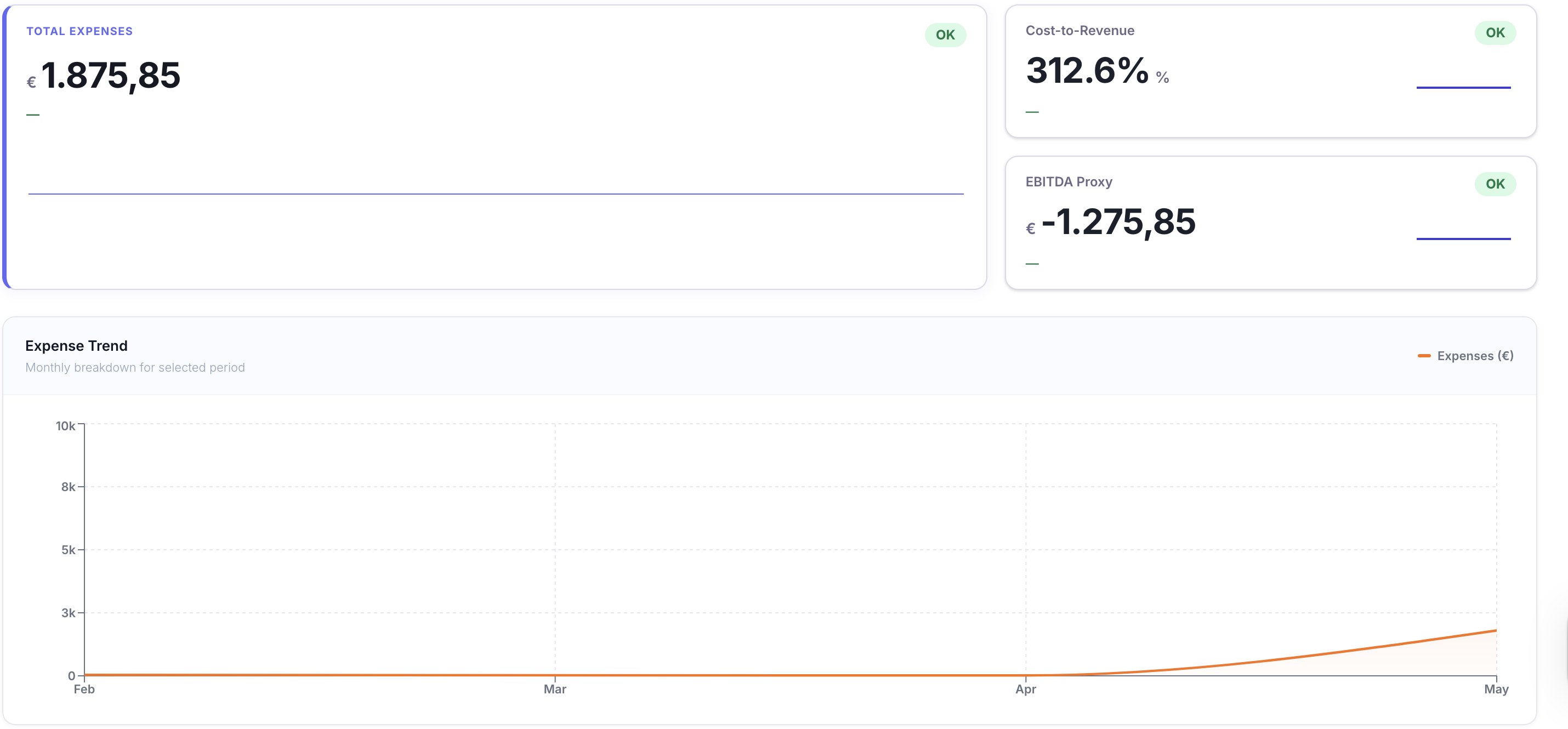
Ingest
Pull every record into one place
TaxLayer continuously pulls data from myData, ERP postings, bank transactions, and the document inbox into a single workspace.
Features
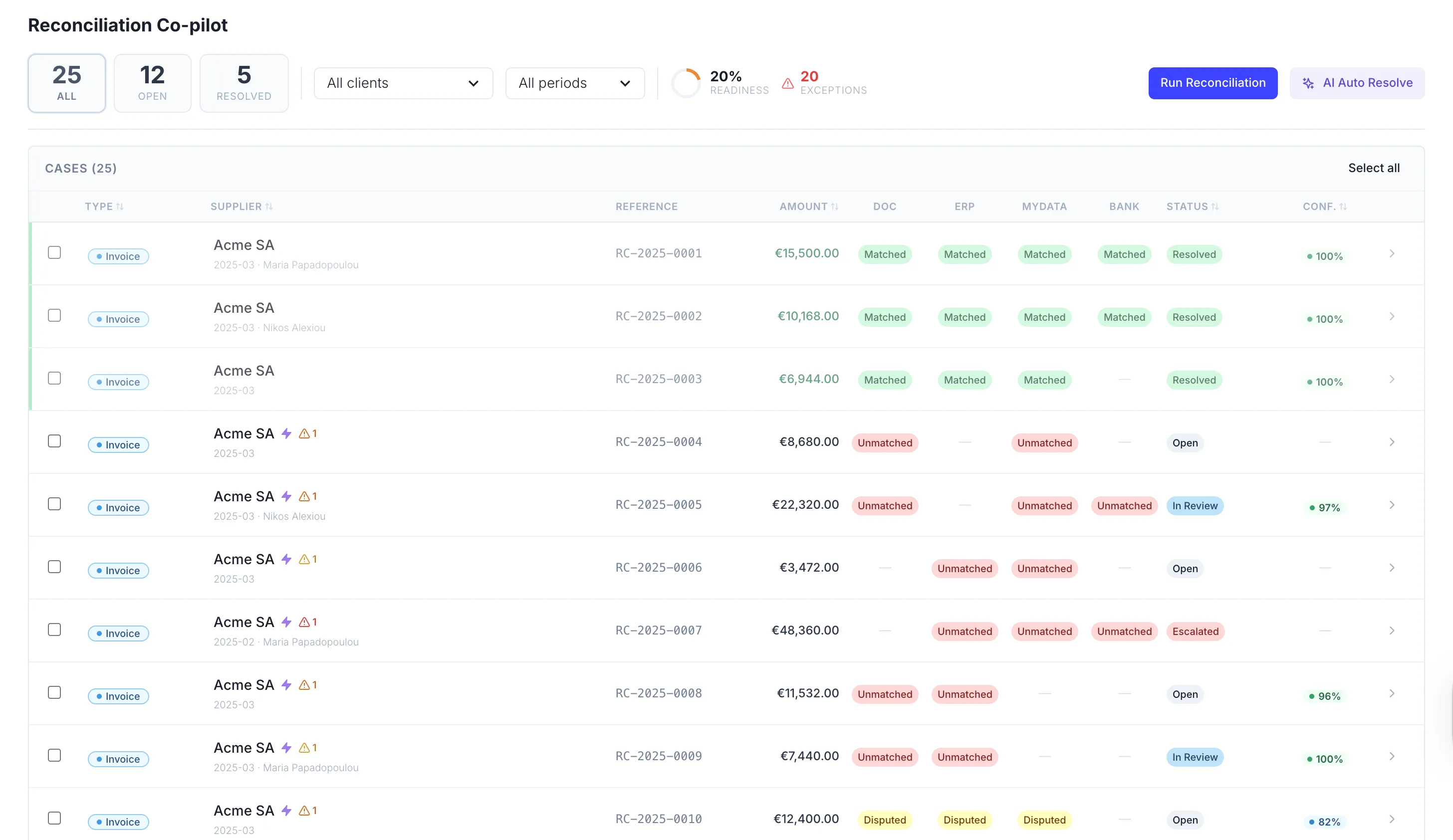
Automatically reconcile across myData, ERP, bank transactions, and uploaded documents. See what is missing, duplicated, or inconsistent — with a confidence score on every match.
A continuous loop
Reconciliation never stops. As new records flow in, TaxLayer cycles through the four stages continuously — keeping every book in sync without manual triggers.
Ingest
TaxLayer continuously pulls data from myData, ERP postings, bank transactions, and the document inbox into a single workspace.
Match
The reconciliation engine matches every document against ERP, bank, and myData — line by line, at any scale.
Resolve
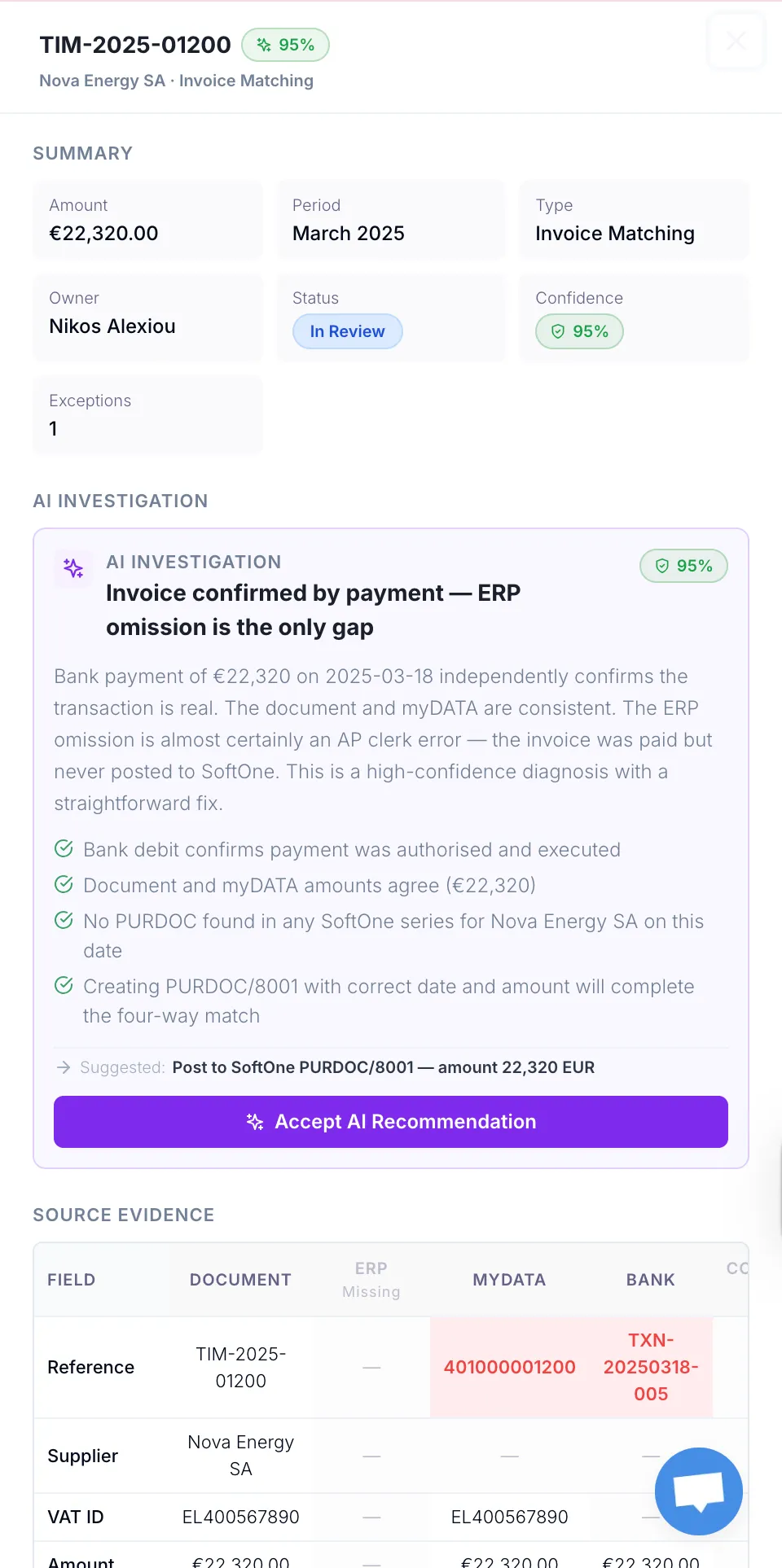
Gaps, duplicates, and inconsistencies are flagged with confidence scores and suggested resolutions, so you clear them in minutes.
Sync
Verified records flow back to your ERP and myData. The loop runs continuously, keeping books reconciled in real time.
Reconciliation Cockpit
The reconciliation cockpit watches every system in real time, automatically matching the records that line up and surfacing the ones that don’t. Every flagged item arrives with an AI-suggested resolution and a one-click apply, so your team works on the borderline cases instead of hunting for the obvious matches.
Watch Video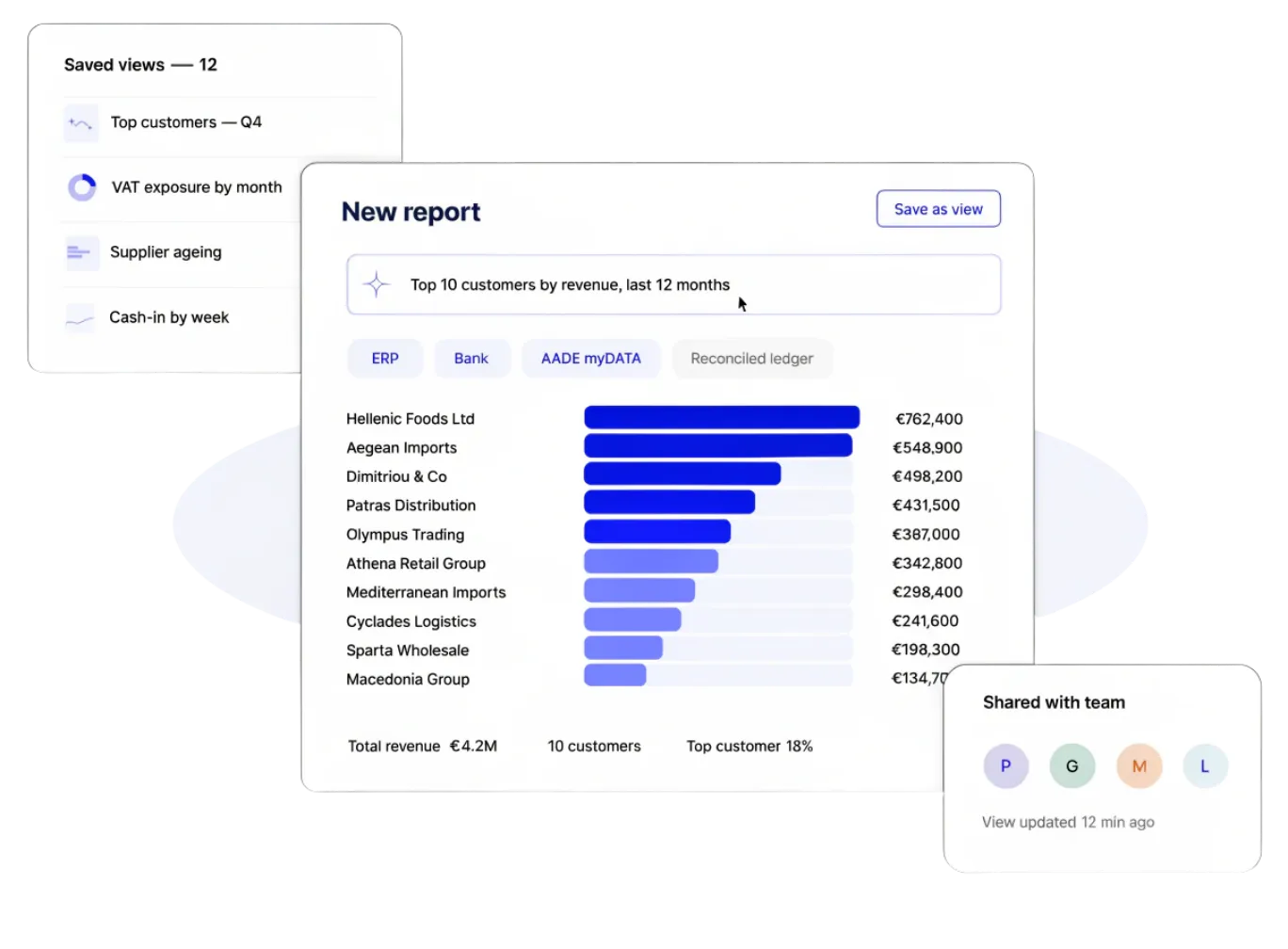
Cross-System Reports & Views
Pull data from your ERP, your bank, your AADE myDATA records or your reconciled ledger into a single view, ask a question in plain language, and get a custom report or saved view in seconds. No CSV juggling, no pivot-table archaeology, no waiting on the data team.
Watch Video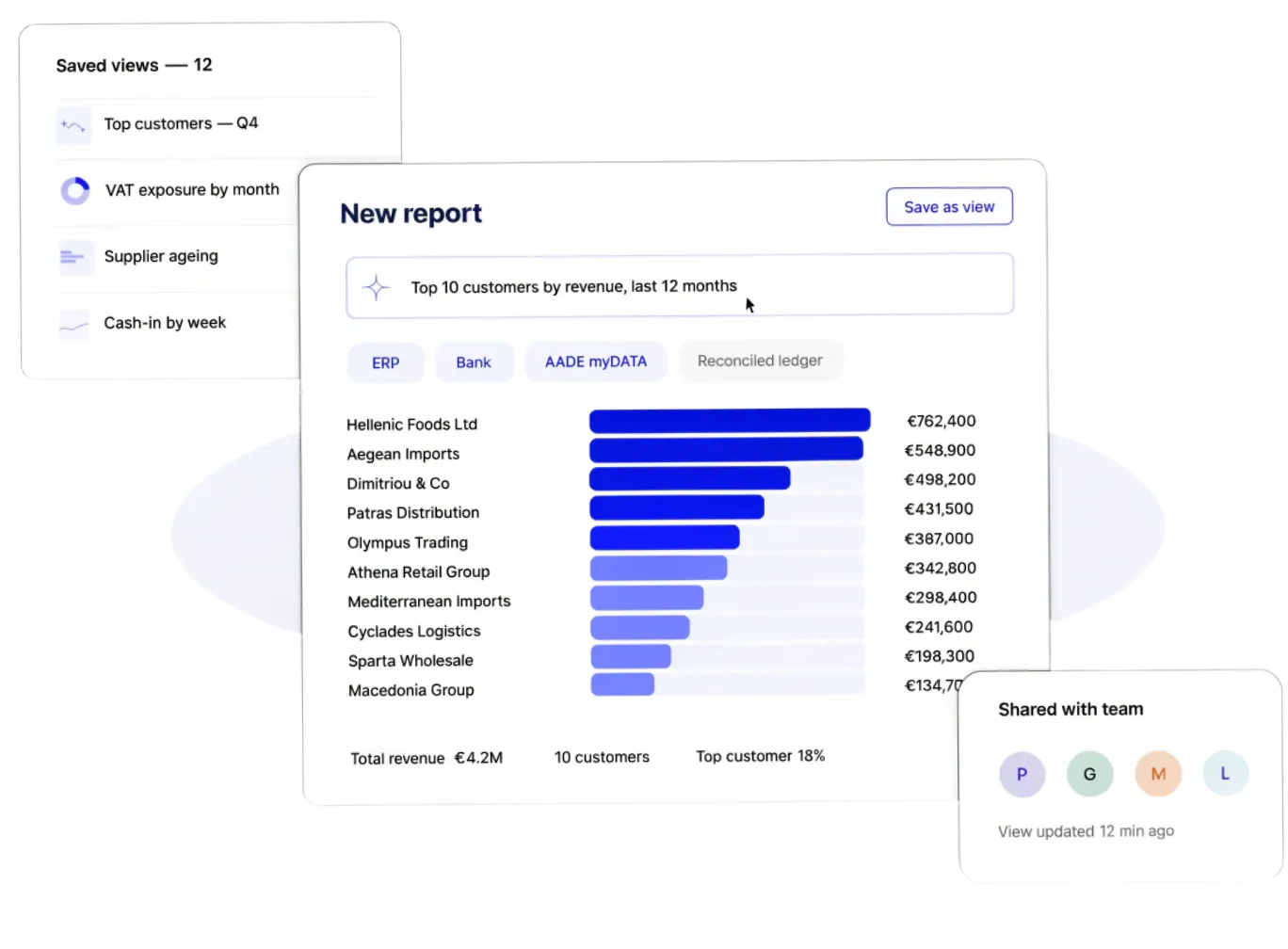
Instant Gap Detection
TaxLayer compares every transaction across myDATA, your ERP and your bank in real time, instantly flagging anything that’s in one system but missing from another. You see exactly where the gap is, what it’s worth and what it’ll take to close — before it becomes a month-end problem.
Watch VideoEvery document, every ERP entry, every bank transaction and every AADE myDATA submission is matched against each other in one continuous reconciliation. If a number lives in any of those systems, TaxLayer is comparing it to the others.
Every match comes with a confidence score and a reasoning trail — VAT match, name match, amount and line-item alignment, classification signals — so you see exactly why TaxLayer thinks two records are the same. High-confidence matches auto-apply; borderline ones surface for review.
Mismatches arrive in the reconciliation cockpit with the precise reason — missing amount, ambiguous party, duplicate, direction unclear, bank fee detected — and an AI-suggested resolution. Apply the fix in a click, route it to manual review, or assign it to a teammate.
As soon as a document, ERP entry, bank line or AADE submission lands, the reconciliation cockpit updates. There is no batch — your books are reconciled the moment a new transaction touches any connected system.
Every match, override, suggestion and resolution is logged with timestamp, actor and outcome — and every AADE submission is sealed with its unique invoice mark and transmission mark. Two-year retention, exportable as a self-contained evidence pack in clicks.
Yes. Role-based access, scoped permissions, exception assignment and a dead-letter queue with one-click retry let your team divide the queue and resolve cases independently — with every action visible in the audit trail.
No. Pick your data sources — ERP, bank, AADE myDATA or your reconciled ledger — and ask a question in plain language. TaxLayer assembles the report or saved view in seconds. No SQL, no pivot tables, no waiting on the data team.