Features
OCR and Document Capture
Connect Gmail, Outlook, WhatsApp, and uploads to automatically collect invoices and receipts. World-class OCR turns PDFs and images into clean, structured financial data.
Supported document types
Receipts
Bank Statements
Purchase Orders
Credit Notes
Delivery Notes
Expense Reports
Contracts
The capture flow
From source to ledger, automatically
Connect
Pull documents in from any channel — or drop one in yourself
Connect Gmail, Outlook, WhatsApp, Viber, SharePoint or your ERP, pair a mobile scanner, or simply drag-and-drop a file. Every invoice, receipt and statement flows continuously into one unified inbox — no duplicates, no manual forwarding, no missed attachments.
Watch VideoConnect visual
Extract
World-class OCR reads every supported document, in Greek or English
TaxLayer reads every document you throw at it — clean PDFs, phone photos, crumpled scans — in Greek and English alike. Supplier, customer, dates, totals and full line items come out clean, structured and ready for the books.
Watch VideoExtract visual
Classify
AI classifies, categorises and supplements every document
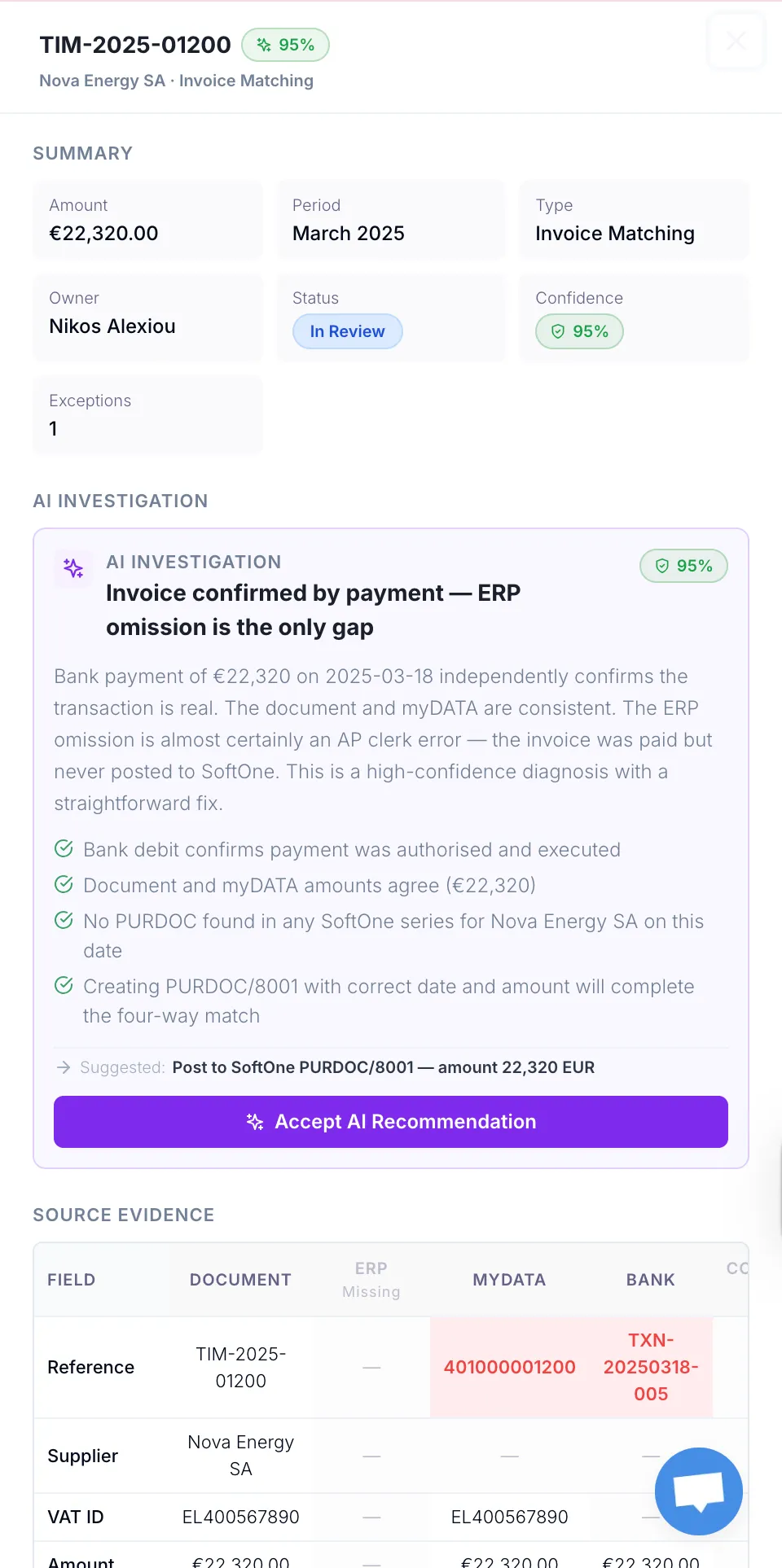
TaxLayer figures out exactly what each document is — sales invoice, expense receipt, credit note, delivery note — and applies the right myDATA classification, VAT treatment and tax codes for you. Counterparties are matched to the right client or supplier automatically, duplicates are caught, and anything ambiguous is flagged for a quick review.
Watch VideoClassify visual
Post
AI posts the data straight into your stack — automation you control
Choose how each document type should be handled — auto-posted, queued for review, or sent down a custom path — and TaxLayer takes it from there. Verified entries land in your accounting system, myDATA submissions go to AADE, and every action is logged so nothing slips through the cracks.
Watch VideoPost visual
Frequently asked questions
Where can TaxLayer pull documents from?
Gmail, Outlook, WhatsApp, Viber, SharePoint, Google Drive, mobile scanners, your ERP, and direct drag-and-drop upload. Connect each channel once and documents flow into a single unified inbox automatically — no manual forwarding.
What file types does TaxLayer support?
PDFs (with or without a text layer), JPEG, PNG, scanned images, and email attachments. If your supplier can produce it, TaxLayer can read it.
Does it work for handwritten or low-quality scans?
Yes. TaxLayer reads phone photos, crumpled scans, faxed documents and PDFs without text layers — extracting clean structured data even when the source is messy. When confidence is low, the document is flagged for review with the specific reason, never silently mis-posted.
Does it handle Greek and English documents?
Both, automatically. TaxLayer detects the document language on the way in, routes it to the right model, and reads Greek invoice formats and number conventions as natively as English ones.
What happens if the same document is captured twice?
Duplicates are detected automatically — both at upload (file fingerprint) and after extraction (invoice number plus supplier). Nothing posts twice, and you see exactly which documents collided.
How accurate is the extraction?
Every extracted field carries a confidence score. High-confidence captures flow through automatically; anything borderline is flagged with the precise reason — missing amount, ambiguous supplier, unclear direction — for a quick human review.
Can I capture documents on my phone?
Yes. Pair a mobile scanner via WhatsApp and snap a photo of any invoice or receipt — it lands in TaxLayer ready for classification within seconds. Perfect for cash receipts and on-the-go capture.
Do I need to forward emails manually?
No. Connect your inbox once with OAuth and TaxLayer continuously pulls financial documents from new emails. Non-financial noise is filtered out automatically, so your inbox stays your inbox.