Features

AI Management

Configure how TaxLayer’s AI behaves across capture, reconciliation, and submission. Audit every decision, set thresholds, and keep humans in the loop where it matters.

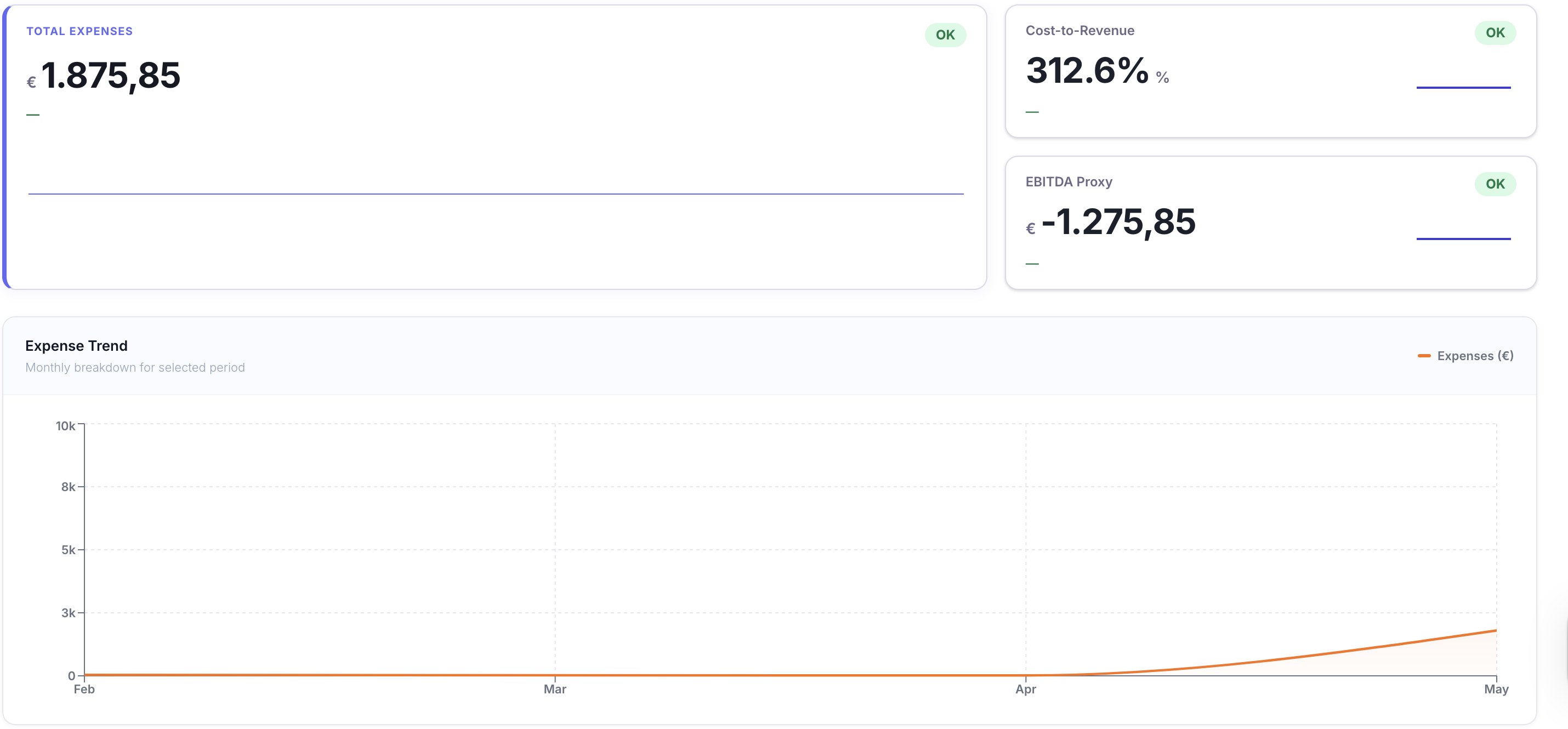
AI Management — product view
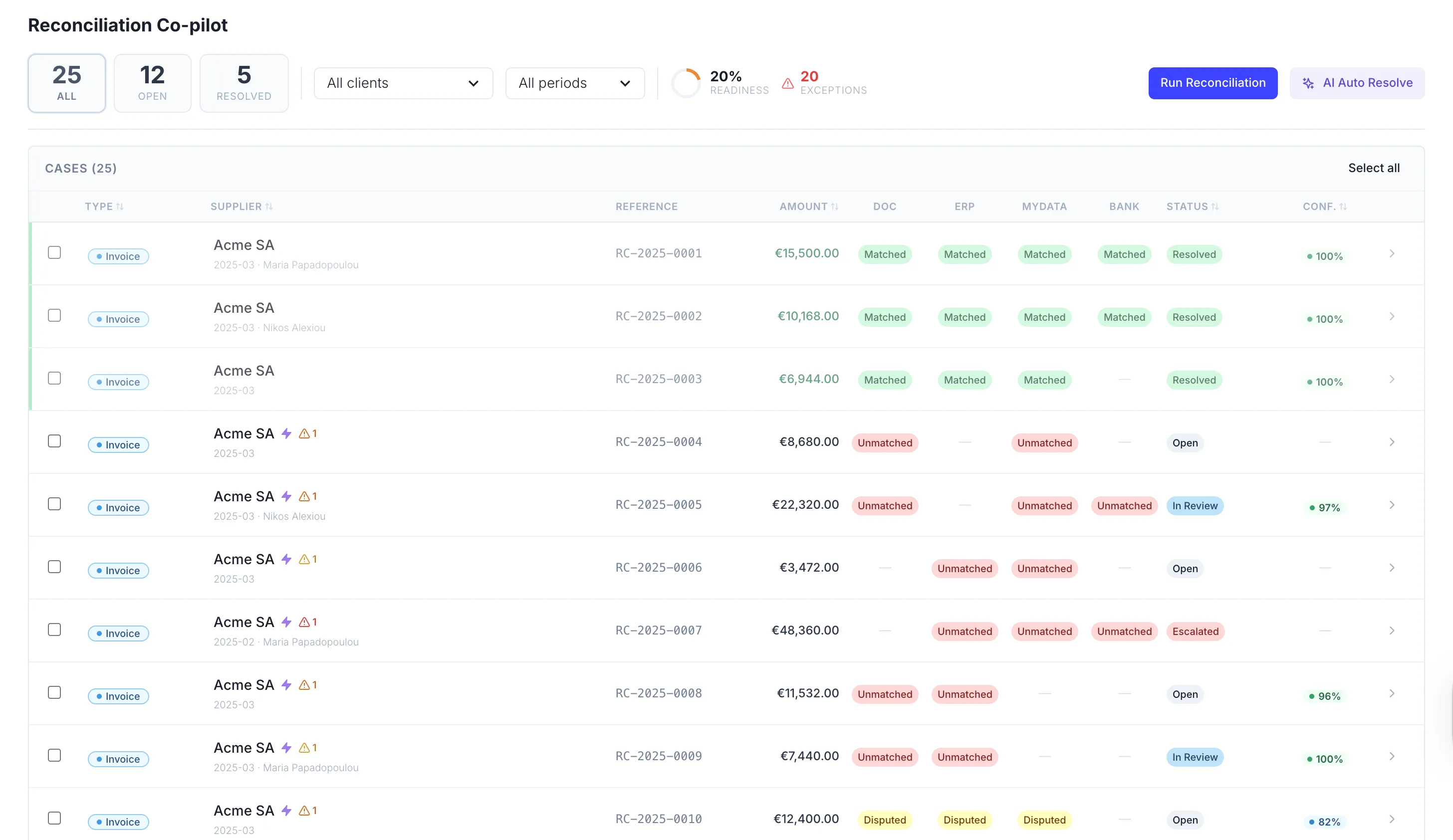
AI Management — detail view

Bring Your Own Model

Run on TaxLayer’s AI — or plug in Anthropic, OpenAI or your own

Use TaxLayer’s built-in AI, fine-tuned on Greek tax and accounting, or connect your existing Anthropic or OpenAI account and let it power every automation, classification and report. Your model. Your keys. Your choice. Switch any time without rebuilding a workflow.

Watch Video
Bring Your Own Model visual

Automation Rules & Custom Prompts

Embed AI exactly where you need it across the workflow

Set automation rules per document type, per client and per workflow stage, and write custom prompts that tell the AI how to think about your specific business. Continuous AI analysis runs in the background — flagging exceptions, drafting categorisations, refreshing reports — exactly the way you want it to.

Watch Video
Automation Rules & Custom Prompts visual

Dedicated AI Model

Your own deployable AI, trained on your data — and the Greek tax book

Enterprise customers get a dedicated AI model deployed for their firm, pre-trained on Greek tax and accounting rules and continuously fine-tuned on your own data. The longer it runs, the sharper it gets — recognising your supplier patterns, your client preferences and your firm’s operating standards as if it had been working at your practice for years.

Watch Video
Dedicated AI Model visual

Frequently asked questions

Which AI providers can I use with TaxLayer?

TaxLayer’s built-in AI ships ready to go, fine-tuned on Greek tax and accounting. If you already have an Anthropic or OpenAI account, plug in your keys and TaxLayer will use those instead — for any operation, anywhere in the platform. Switch providers any time without rebuilding a single workflow.

Will my data train Anthropic or OpenAI’s public models?

No. Your data is yours. When you connect your own provider keys, calls go to your account under the same data terms you already have with that provider. Through TaxLayer’s built-in AI, your data is never used to train any public model.

What’s the difference between automation rules and custom prompts?

Automation rules tell TaxLayer what to do — auto-post invoices over €5,000 to manual review, route credit notes to a senior, mark this client’s documents as priority. Custom prompts tell the AI how to think — your firm’s terminology, your decision criteria, the way you want categorisations explained. Use both together to shape the AI exactly to your workflow.

Can I configure different AI behaviour per client?

Yes. Each client can have its own automation rules, prompt overrides and approval thresholds. A long-term client with a clean book can run on autopilot; a new or sensitive client can require human review on every posting. Same platform, different policies.

What does “fine-tuned on Greek tax” actually mean?

TaxLayer’s AI understands AADE myDATA classifications, E3 codes, VAT categories, exemption codes, withholding tax rules and reverse-charge logic natively. It speaks Greek and English fluently, recognises Greek invoice formats and uses Greek number conventions out of the box — without you having to teach it any of that.

Is the dedicated AI model really ours?

On the Enterprise plan, yes. Your model is deployed exclusively for your firm, fine-tuned on your own data, and never shared with anyone else. The longer it runs, the better it gets at the way your firm operates — and it never carries that learning into another customer’s workspace.

Where does the AI run, and where does my data live?

Hosted in the EU, GDPR-aligned. Data is encrypted in transit and at rest. Whichever provider powers an operation, your data only leaves TaxLayer’s environment under the terms you’ve configured — and every call is logged in your audit trail.

Can I see what the AI decided and override it?

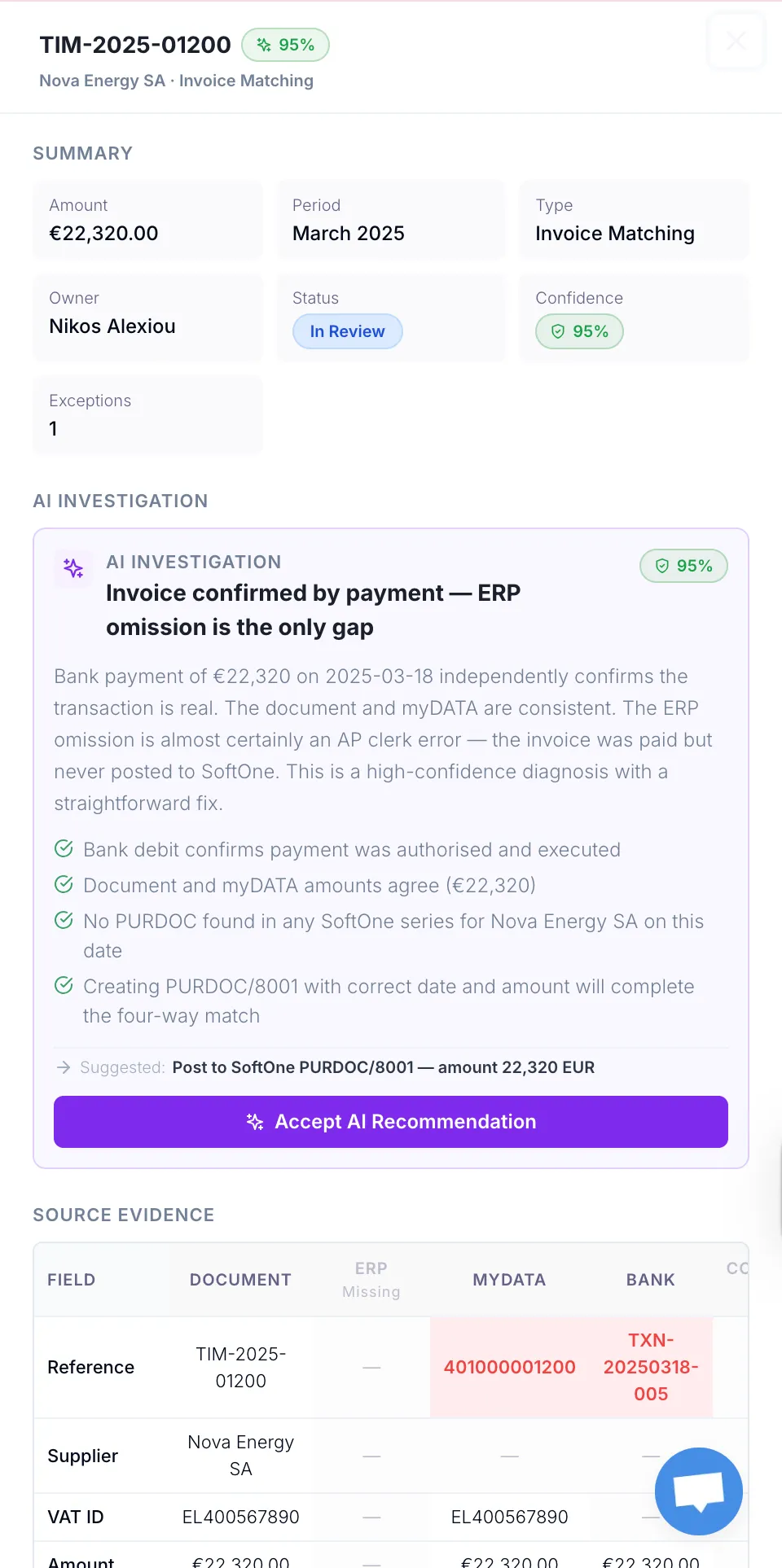
Every classification, match, suggestion and submission carries a confidence score and the evidence behind it. Override anything in a click — and your override is logged with timestamp, reviewer and reason, becoming part of the audit trail for that document.

#1 Productivity Hack

Say goodbye to the tedious back office tasks of manual documents gathering.